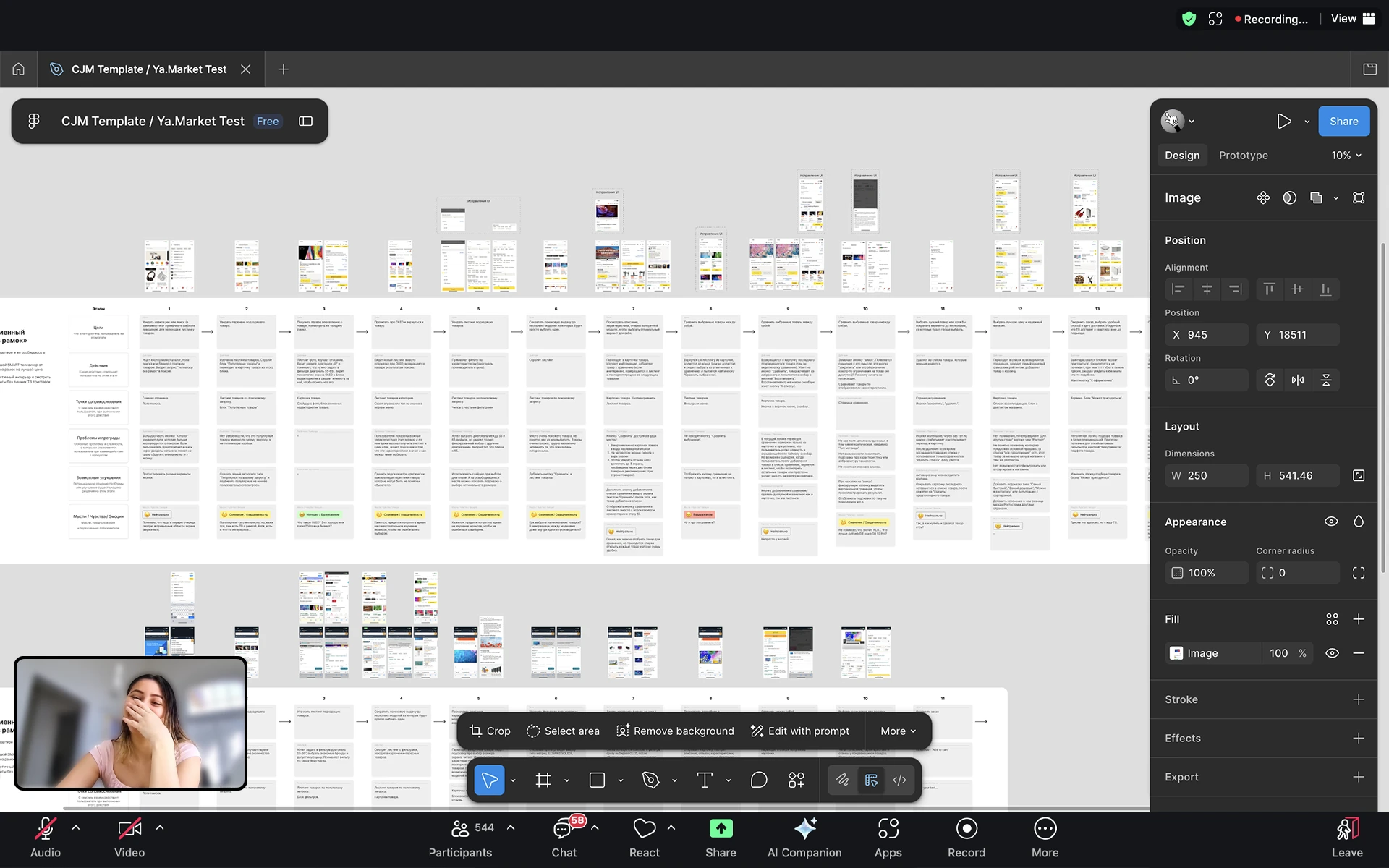
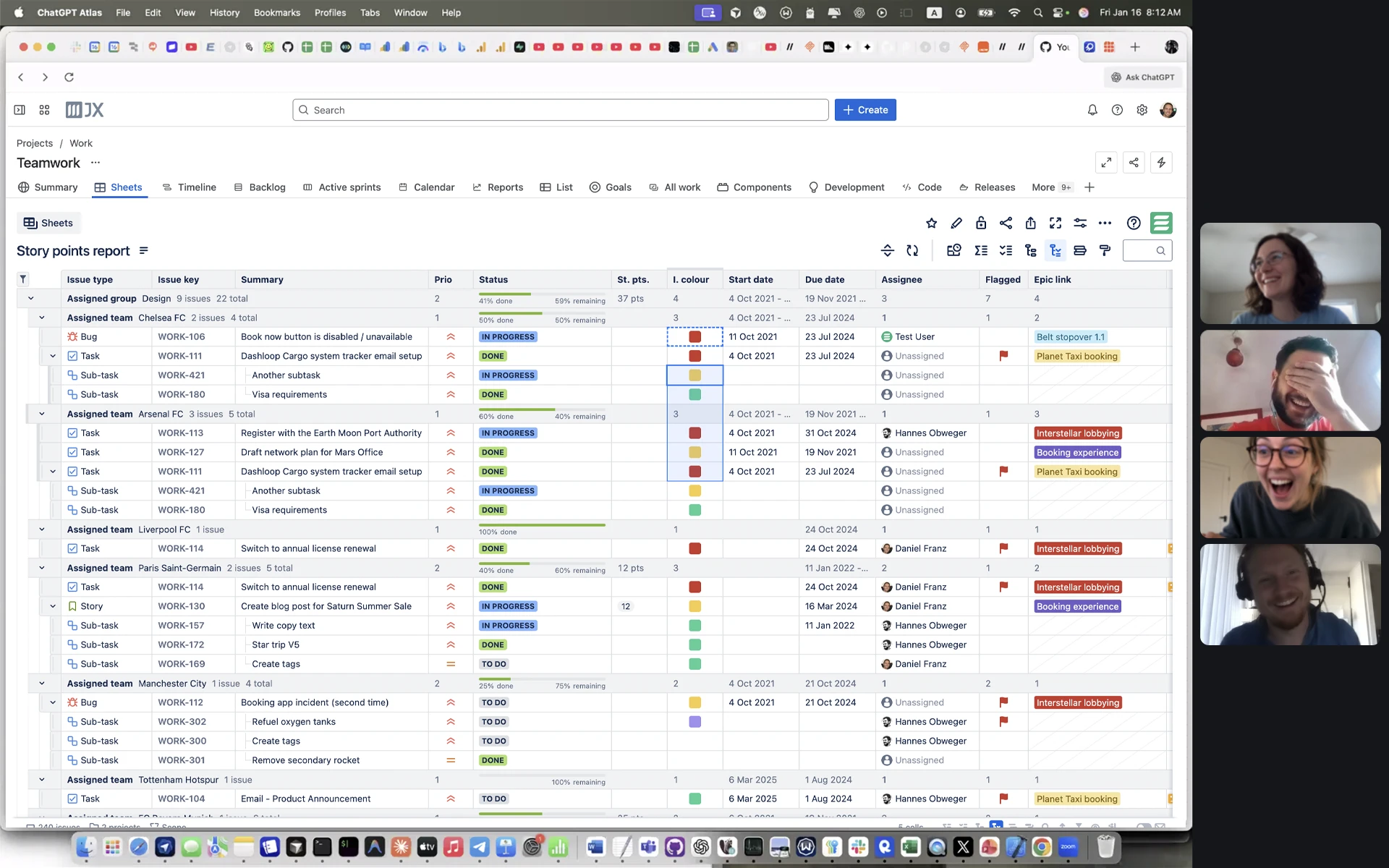
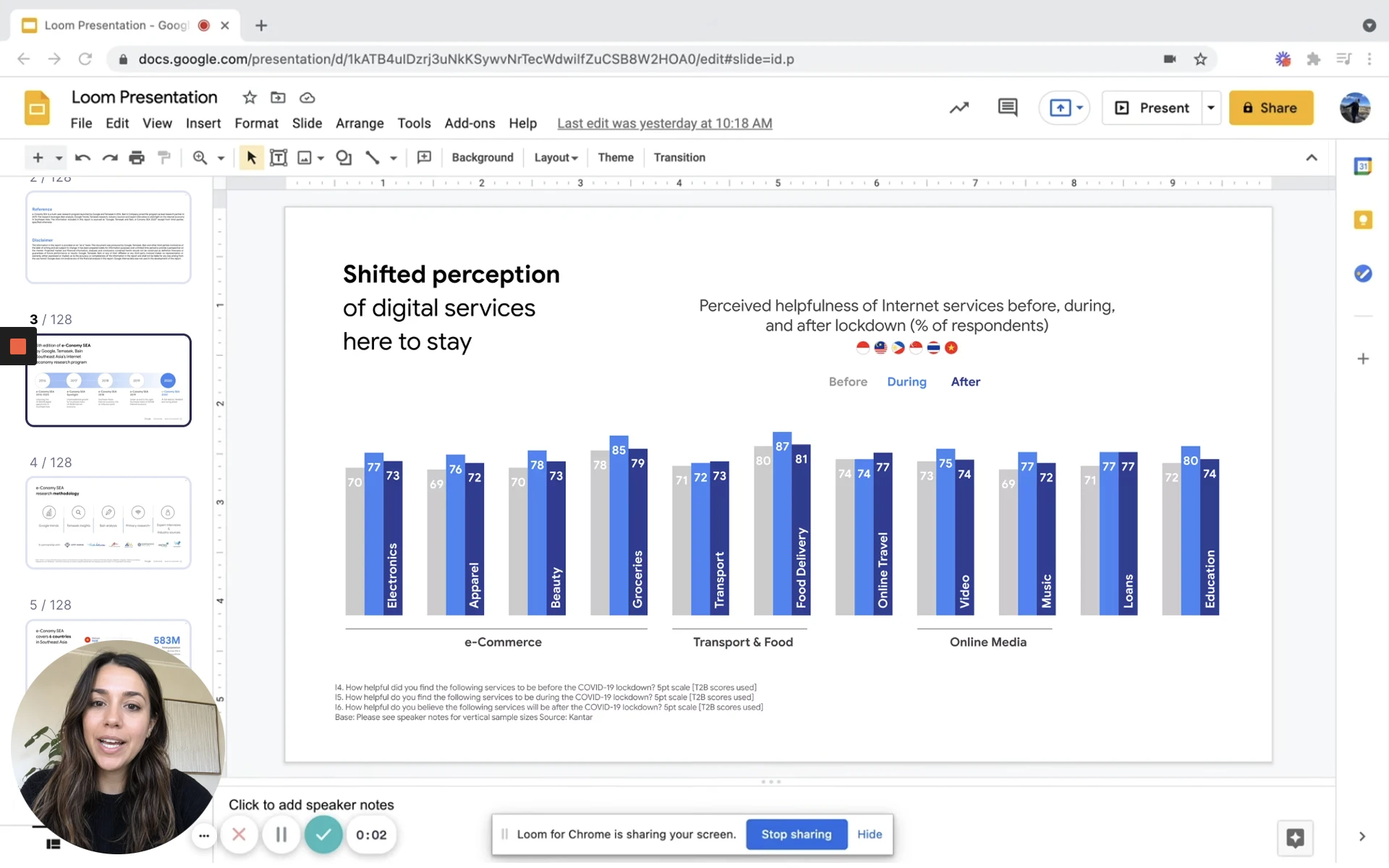
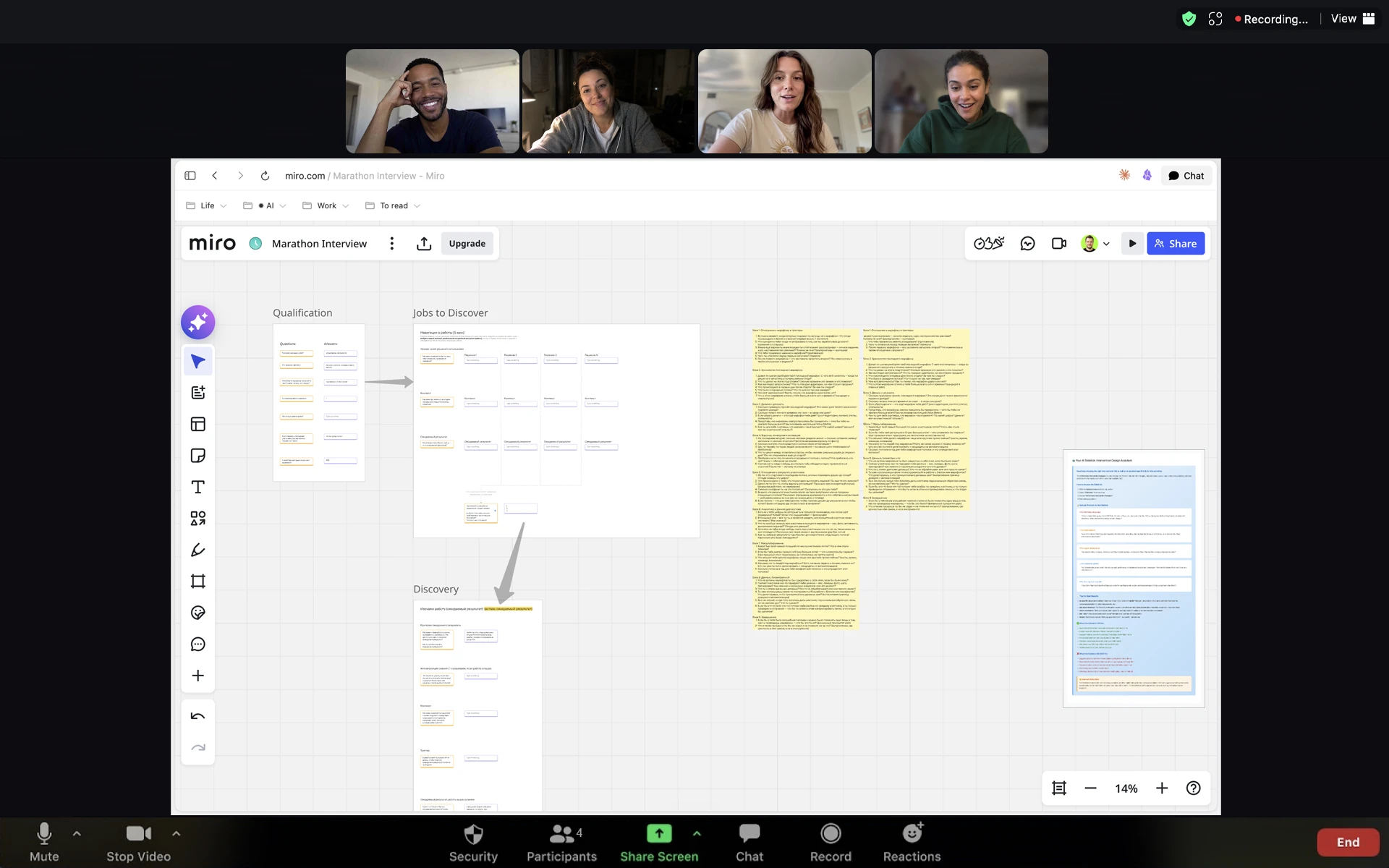
Zoom, Meet, Loom, whatever —
they'll all see it*
*when you share your entire screen
Own every screenshare. Pokey turns your cursor into the reason they remember your call – whenever you need it.
Click anywhere to see the magic
Get it free · macOS
Pokey is macOS only — send yourself the link. One email. No newsletter, no follow-ups.
Zoom, Meet, Loom, whatever —
they'll all see it*
*when you share your entire screen
Zoom, Meet, Loom, whatever —
they'll all see it*
*when you share your entire screen
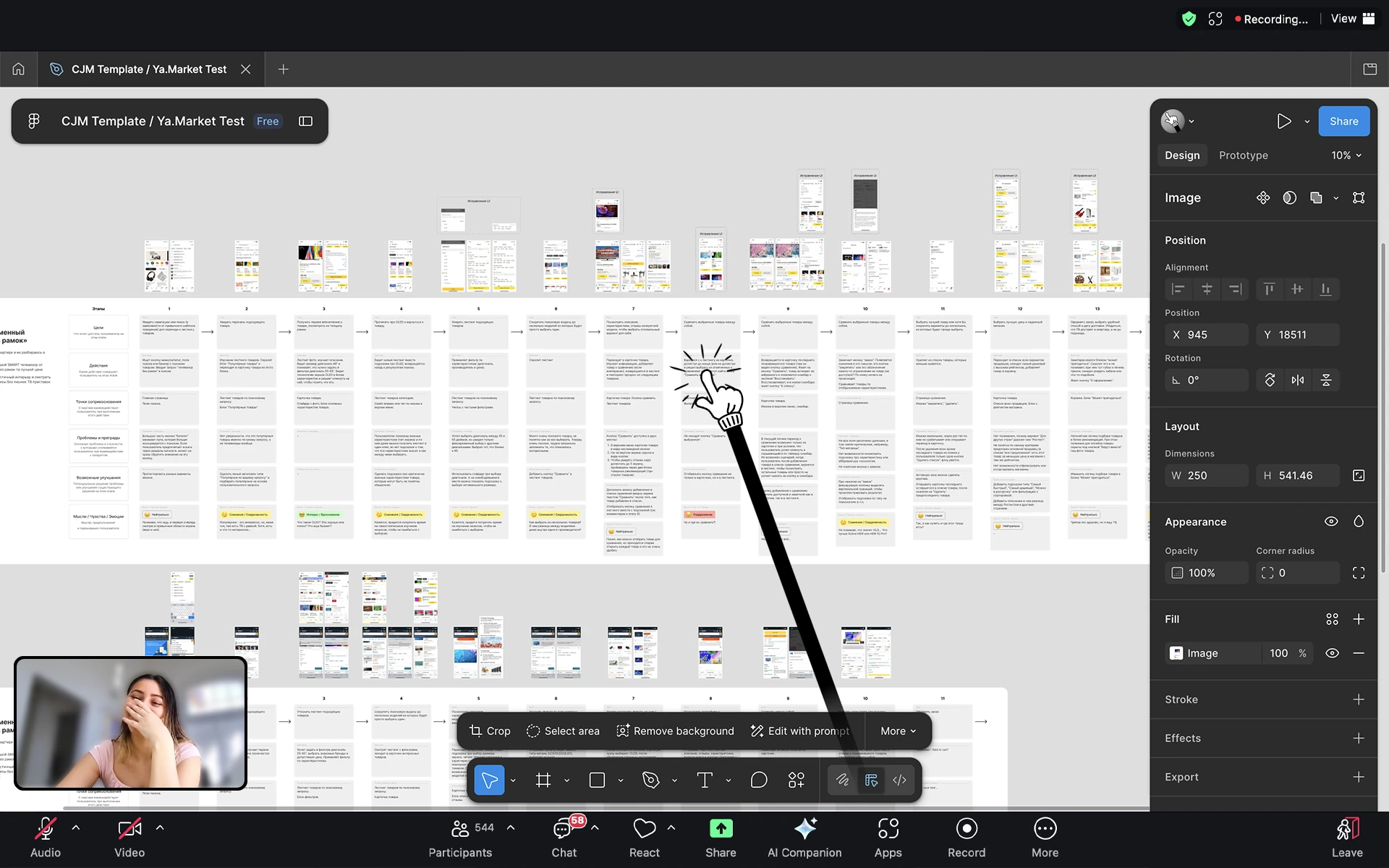
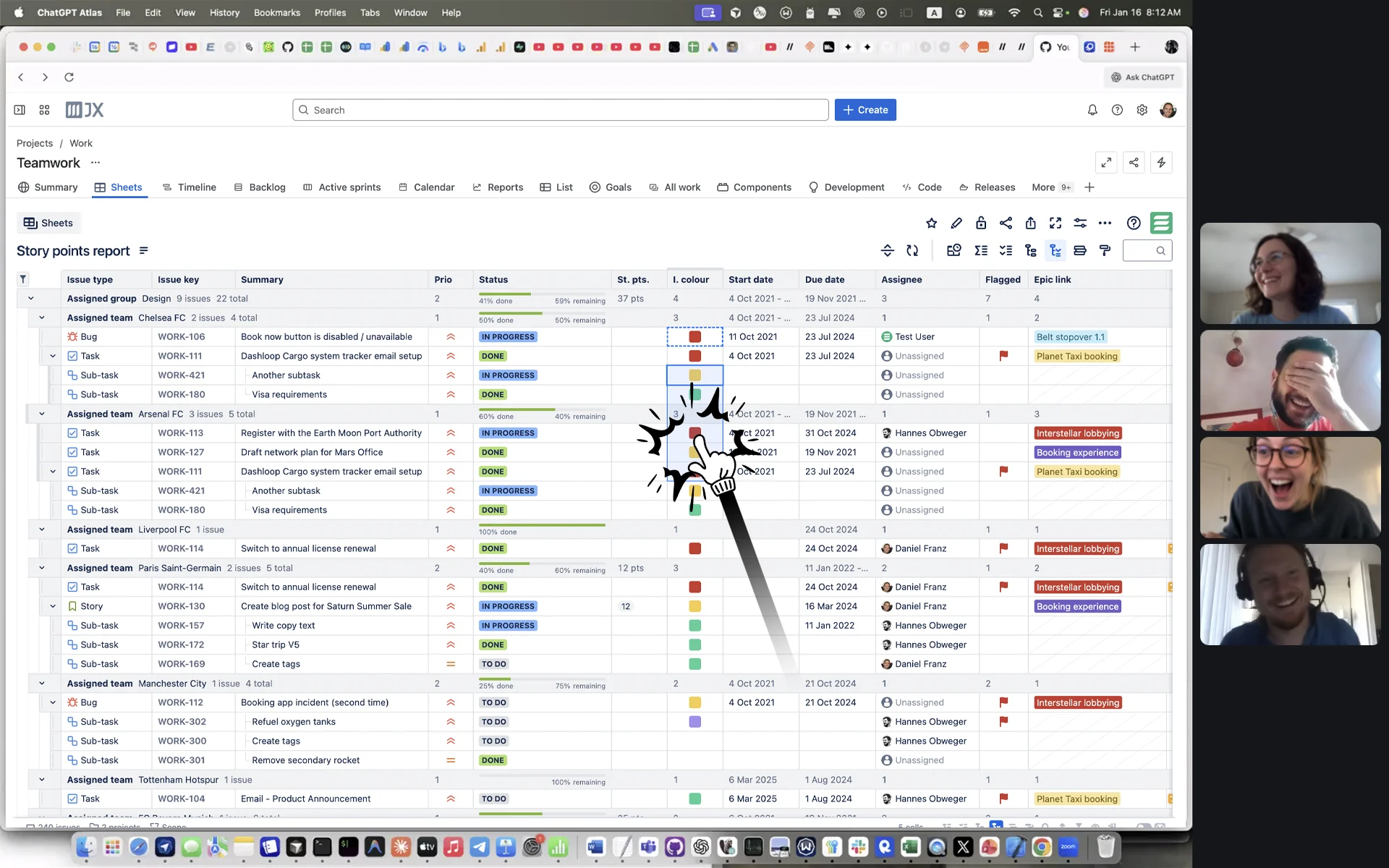
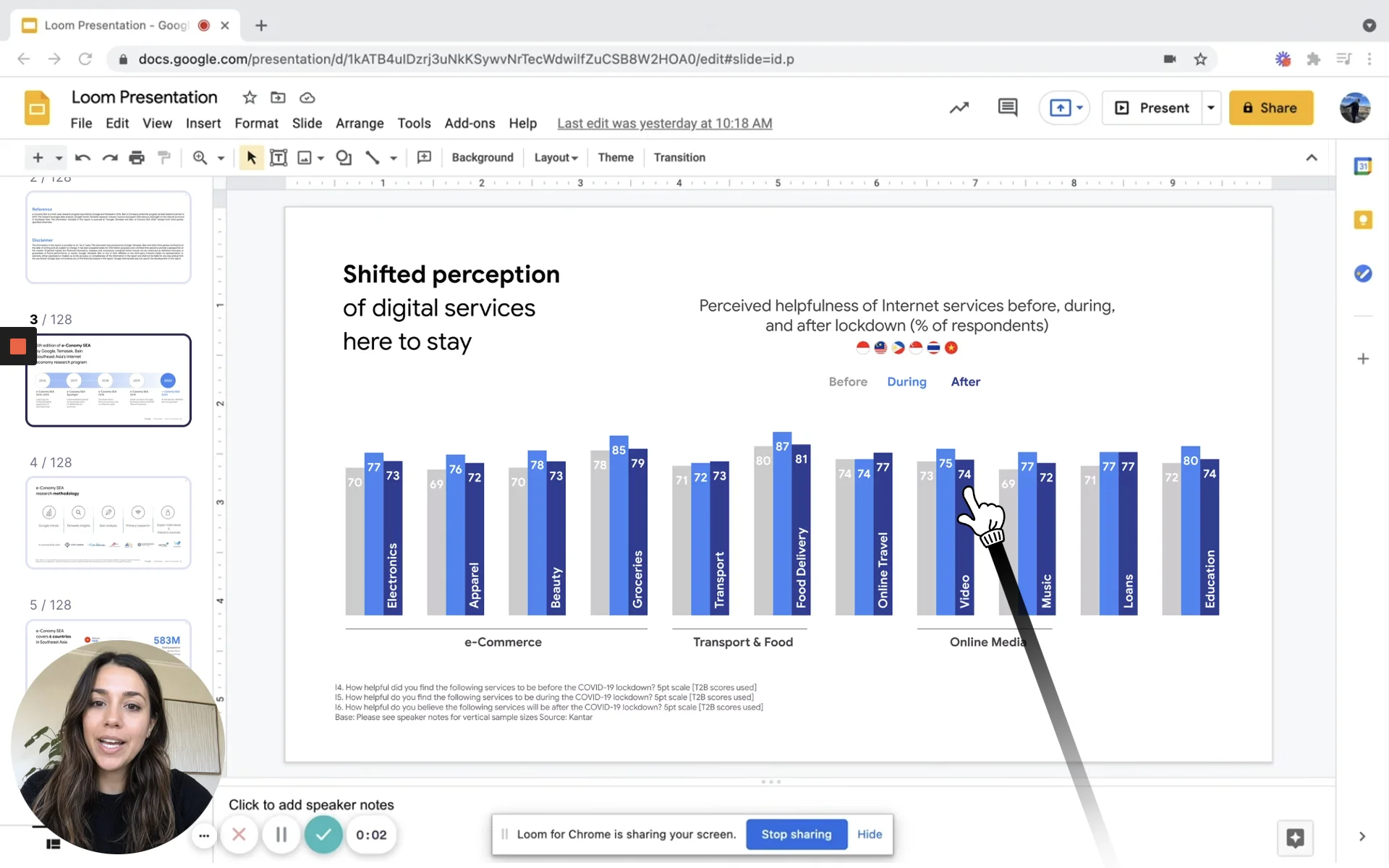
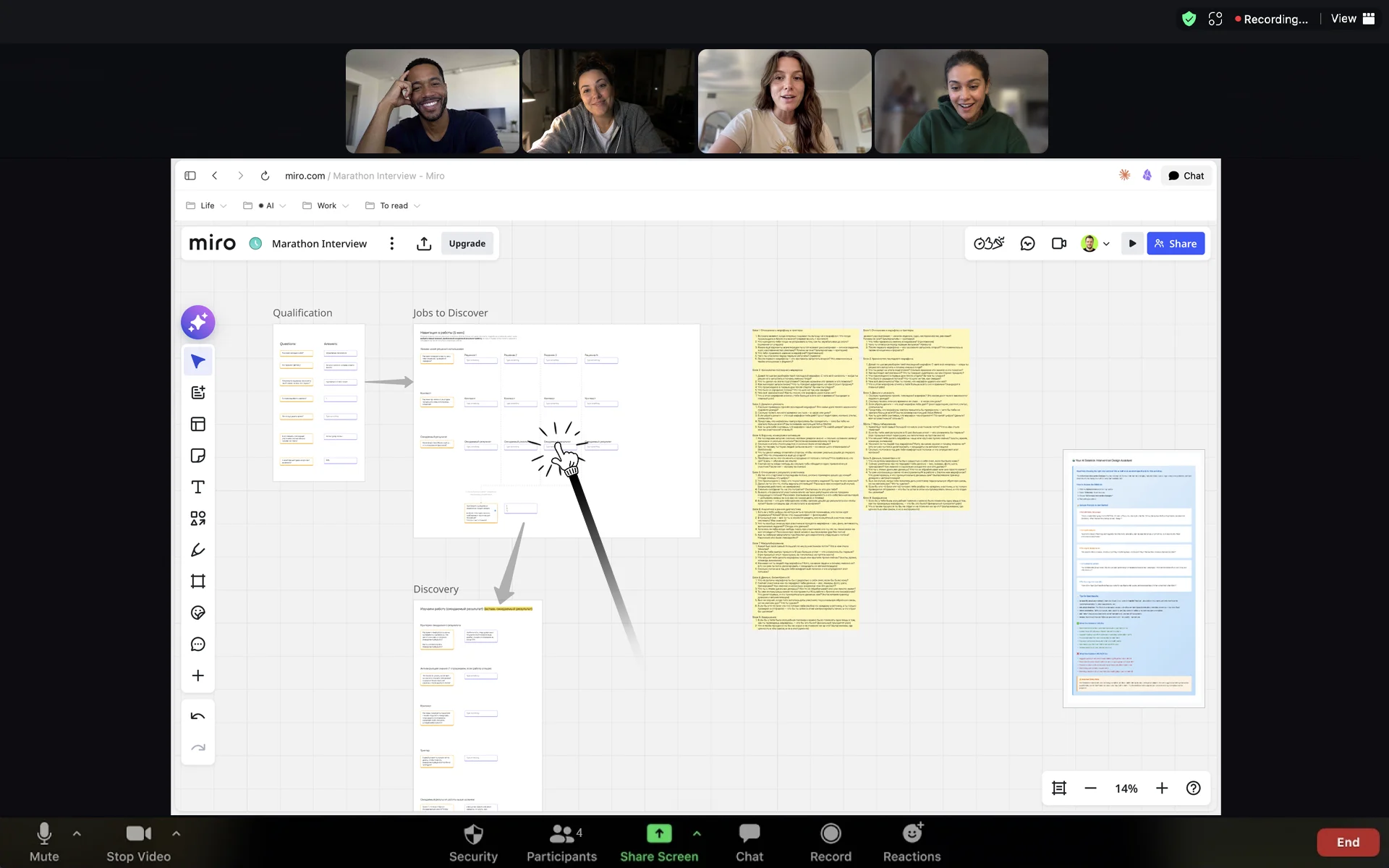
Only the look changes — click, drag, and select in any app, just like before.
From a polite presentation to calls that could’ve been an email.
Lives in your menu bar — one click to wake it up.
One keypress to snap attention exactly when you need it.
Shows up in every screen share and recording, no setup.
Follows your cursor across all your displays, pixel-perfect.
Four modes — from a polite nudge to an in-your-face jab. Set your style, switch anytime.
The faster you click, the wilder the poke.
Get it free · macOS
Pokey is macOS only — send yourself the link. One email. No newsletter, no follow-ups.






Post a short with Pokey, go viral, and we'll cover your bill.See how it works
Replaces your default cursor on demand with a hand pointer people can't miss. Toggle it on or off anytime — hotkey or menu bar. Click and the hand taps; you can dial how expressive those taps are, from a subtle nudge to impossible to ignore. Great for keeping your audience's focus during a presentation, breaking the ice on a slow call, or just making sure nobody zones out while you're talking.
Only when you want it to. Toggle Pokey on and off with a hotkey, or use the menu bar icon.
Yes — Pokey only changes how your cursor looks. Click, highlight, drag, navigate between your slides or any app: everything works exactly as before. Your audience just can't lose track of where you are.
Built for exactly one situation: presenting. Turn it on and clicks only tap the pointer — they won't advance a slide, click a link, or select whatever's underneath. Your keyboard stays fully live the whole time, so you still navigate with arrow keys or whatever shortcuts the app you're presenting from uses. The one thing actually worth memorizing: ⌃⌥T turns it back off — until then, your mouse is basically just for show.
Yes — any screen share, recording, or live call. One thing to know: share or record the entire screen, not a single window. When you capture just one window, macOS leaves everything else out of the frame — Pokey included. It also works surprisingly well as an icebreaker. Sometimes a finger jabbing at something breaks the tension better than any slide transition.
One rule: share or record the entire screen, not a single window — window capture leaves Pokey out of the frame. Follow it, and the hand shows up everywhere: Zoom, Meet, Loom, OBS, anything that captures your screen.
Depends on how people are watching you. If they're inside the same file — following you around a Miro board or a Figma canvas — they see the tool's own multiplayer cursors, so yours looks default to them, not Pokey. Share your entire screen and everyone sees the hand — then it's showtime.
Yes. Pokey follows your cursor across all displays with no extra setup — switches seamlessly as you move between screens.
Yes, completely. Pokey is notarized by Apple and signed with a Developer ID — the same security checks the App Store requires, just distributed directly. That gate macOS shows for new downloads isn't specific to Pokey; it's standard for any app outside the store.
Depends on your MDM policy — some setups block outside apps, some don't. The simplest way to check is to download it and run it: Pokey is free and notarized by Apple, so there's nothing to lose by trying.
If the app doesn't work on your machine, reach out at pokey@talktomike.link and we'll sort it out.
Yes — Pokey works fully for free, no trial period. The free version comes with the default tiny hand pointer and a small Pokey watermark on it. The one-time unlock removes the watermark and also gets you the extra pointer styles plus Presentation Mode.
Yes — a one-time payment of $9.99 removes it for good, no subscription. We use Polar — a trusted payment platform built for indie software. Your card details go through Polar's secure checkout, not our servers. Your activation key will be sent to the email you enter at checkout.
macOS 26 for now — that's the only version we've tested on. More to come.
Post a reel featuring Pokey with a mention and a link to the app — we'll refund your purchase. Details here →
If you have a meaningful audience (10k+ followers), reach out directly and we'll figure something out.
Get it free · macOS
Pokey is macOS only — send yourself the link. One email. No newsletter, no follow-ups.